Creating a Flight


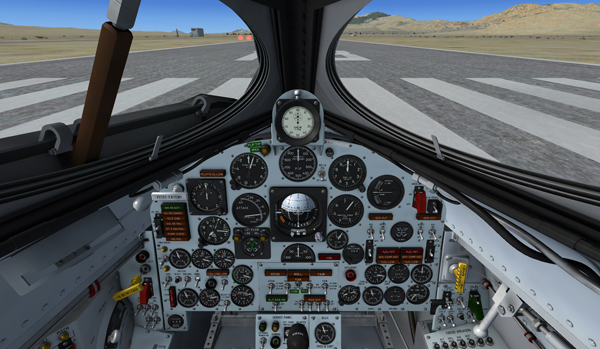
X-15A-2 SE preparing for takeoff at Ely Station.
For your first X-15A-2 flight, let's plan a normal takeoff from Ely Station, Nevada (KELY), runway 18, and a landing on Rogers Dry Lake at Edwards Air Force Base (KEDW). This departure location should give you an almost direct path to Edwards.
Like in a real X-15 mission, we will attempt to land our X-15A-2 SE addon on a lakebed runway, not on the base concrete runway.
In this section:
Creating a Flight in Flight Simulator X
Creating a Flight in Prepar3D® v1
Creating a Flight in Prepar3D® v2 and later
See also:
Useful Information Before Launch